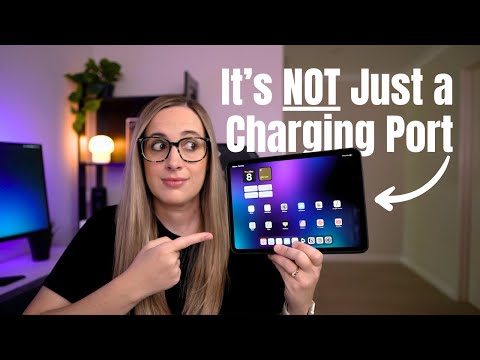
Discover 5 practical and powerful ways to use the USB-C port on your iPad! In this video, I’ll show you how to connect external storage, import photos from an SD card, tether your camera for live previews, set up a full desktop mode with a USB-C hub, and even get faster internet with a wired connection. Whether you’re a content creator, student, or just want to get more out of your iPad, these tips are easy to follow and super useful.
👇 Products mentioned in this video
🔗 USB-C Hub:
🔗 Crucial X9 Pro SSD (External Hard Drive):
🔗 USB-C Flash Drive:
🔗 USB-C to USB-A Adaptor:
🔗 Capture Card:
🔗 Micro HDMI to HDMI:
🔗 USB-C to Ethernet Adapter:
I couldn’t find exact matches for everything I used in this video,
so I’ve linked similar products that offer the same functionality.
📱 Get my iPad wallpaper
Chapters
00:00 Your iPad’s USB-C Port Can Do More Than You Think
00:23 Use External Storage with Your iPad
01:28 Import Photos from an SD Card
02:10 Tether Your Camera to Your iPad
03:03 Turn Your iPad Into a Desktop with a USB-C Hub
03:54 Get Faster Internet with an Ethernet Adapter
04:24 Final Thoughts
———————————————————————————-
➡️ MY WALLPAPER: ⬅️
⟡ PRODUCTS FROM MY VIDEOS:
⟡ INSTAGRAM:
⟡ Signup to My Newsletter:
⟡ BUSINESS INQUIRIES: sam@samcambetis.com
———————————————————————————-
DISCLAIMER: Please note that some of the links in the description may be affiliate links, and using them may earn the channel a small commission at no additional cost to you. The use of these links is entirely optional, and your support is greatly appreciated.
———————————————————————————-
I built an app called View Later. It’s a simple way to save links you want to come back to, available on iPhone and iPad. Check it out here: https://apps.apple.com/app/id6792722747
Greatt keep it uppp
I would be happy if mine just charged. That would be great if it did just that and nothing else.
Well, that was a real shocker to me. After watching your video, I ran to my work setup, where I have a Macbook Air connected through a USB-C hub to monitor, keyboard an mouse. I plugged it into my iPad and … wow! I never knew this was even possible. Very, very helpful indeed. Thanks a lot for this one!
A question on showing your iPad on your computer. Does it have to be a Mac or is it just using the computer as a monitor. Thanks so much. Maria